
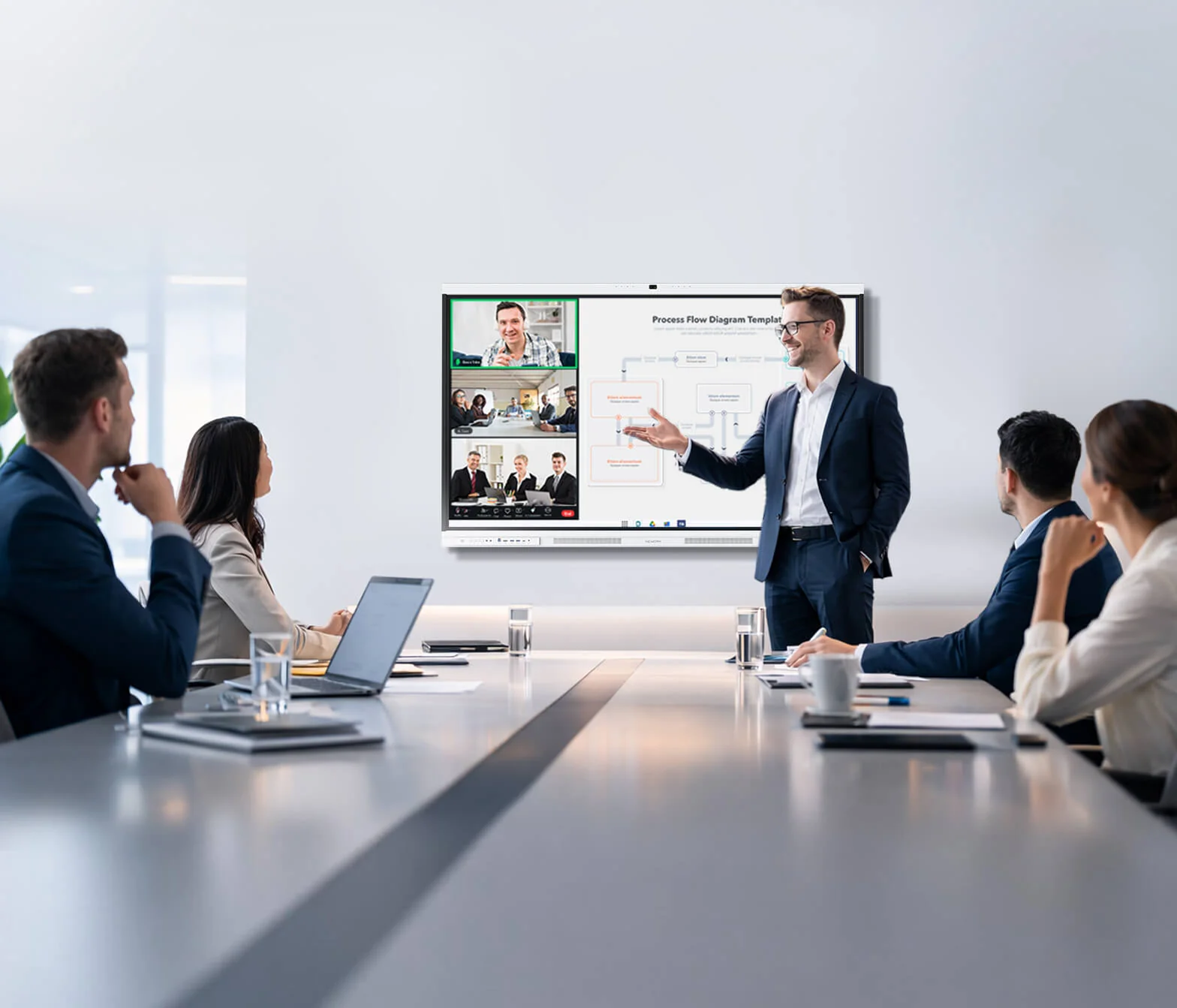
AI-powered meeting rooms should reduce technical interruptions rather than create additional complexity. Hybrid teams regularly face changing light, background noise, participants seated at different distances, overlapping speech, and scattered meeting notes. Intelligent systems become useful when they handle these conditions without requiring constant adjustment.
A Nework smart board provides an example of how meeting-room intelligence can be combined with a shared working surface. The P Series brings video, audio, interactive collaboration, and content sharing together. Its value should therefore be judged through complete meeting outcomes rather than through one specification alone.
A meaningful Nework vs other smart boards comparison should ask whether people can connect, communicate, work on shared content, and leave with a usable record. Camera resolution and microphone quantity matter, but they should support that wider goal instead of becoming the entire basis for evaluation.
Visual and Audio Intelligence Should Solve Real Room Conditions
A Nework smart board can support clearer remote communication by addressing common visual and audio challenges in meeting rooms. Conference spaces rarely offer perfect lighting or fixed seating. Participants may sit at different distances, while several people may contribute during the same discussion.
Intelligent camera processing can help the room adapt to those changes. Automatic image adjustments reduce the need for participants to manage exposure, focus, or other visual settings. The purpose is not to make the camera more noticeable, but to keep remote participants connected to the room.
Audio processing has a similar role. An integrated microphone system can reduce interference from common office sounds while supporting speech from different positions. Keyboard activity, ventilation, paper movement, and chairs are ordinary parts of workplace meetings and should not repeatedly interrupt important contributions.
Testing should therefore take place under realistic conditions. Evaluators can change seating positions, introduce normal background activity, and observe whether remote participants remain comfortable. A useful system should require fewer manual adjustments and fewer repeated sentences as the meeting progresses.
Performance can also be measured through recovery. If lighting changes or a participant moves to another seat, the room should return to a useful state quickly. Consistent recovery is often more meaningful than perfect performance during a carefully prepared demonstration.
Collaboration Must Continue Beyond the Video Feed
Clear video and audio solve only one part of collaboration. Meetings also involve documents, presentations, planning boards, and decisions. Participants may need to compare information, annotate files, develop ideas, and preserve the final result without moving repeatedly between unrelated tools.
Interactive touch allows displayed material to become part of the discussion. Participants can mark up documents, organize ideas, and use an infinite canvas for planning. Multi-user interaction can also make the board a shared working surface rather than a presentation tool controlled by one person.
Content sharing should remain simple when users bring their own devices. Full-function USB-C can provide a direct connection for video, audio, data, touch control, and power. Wireless casting offers another route when participants need to share content without changing the established room setup.
A collaborative session also needs a reliable ending. Cloud saving and QR sharing can help participants preserve annotated material and distribute it after discussion. This reduces the gap between what happened during the meeting and what later appears in follow-up messages or project records.
Application access belongs in the same workflow. A Google EDLA-certified environment can provide familiar software access, while optional Windows OPS support can accommodate specialist applications. Buyers should test these environments with the programs their employees already rely on.
How Buyers Can Test an AI Meeting Room
When evaluating Nework, buyers can follow a repeatable meeting scenario rather than relying only on individual specifications. Participants can sign in, connect a laptop, join a scheduled call, annotate shared material, and distribute the final result. This sequence shows whether the system supports the complete meeting workflow.
Setup time is one important measure. A room that requires several minutes of troubleshooting before each meeting can create significant disruption over time. Evaluators should record how quickly ordinary users can reach the first productive task without technical assistance.
Visual and audio performance should also be measured from different seats. Testing can include changing light, distant speakers, overlapping conversation, and ordinary office noise. The goal is to understand how the room behaves during normal work rather than under ideal demonstration conditions.
Collaboration quality can be measured through annotation responsiveness, successful device connection, and completion of note sharing. A meeting room becomes more useful when participants can contribute to the same material and preserve the outcome without starting a separate documentation process afterward.
Occasional users should take part in the trial. Technical specialists often compensate automatically for confusing controls, while first-time users reveal where instructions are unclear. These observations help organizations judge whether the system can work across an ordinary workforce.
An AI meeting room ultimately succeeds when intelligent assistance makes collaboration more predictable. Camera processing and noise filtering are valuable, but their importance grows when they support shared content, participation, and follow-up. The strongest evaluation therefore focuses on user effort and meeting outcomes.
