
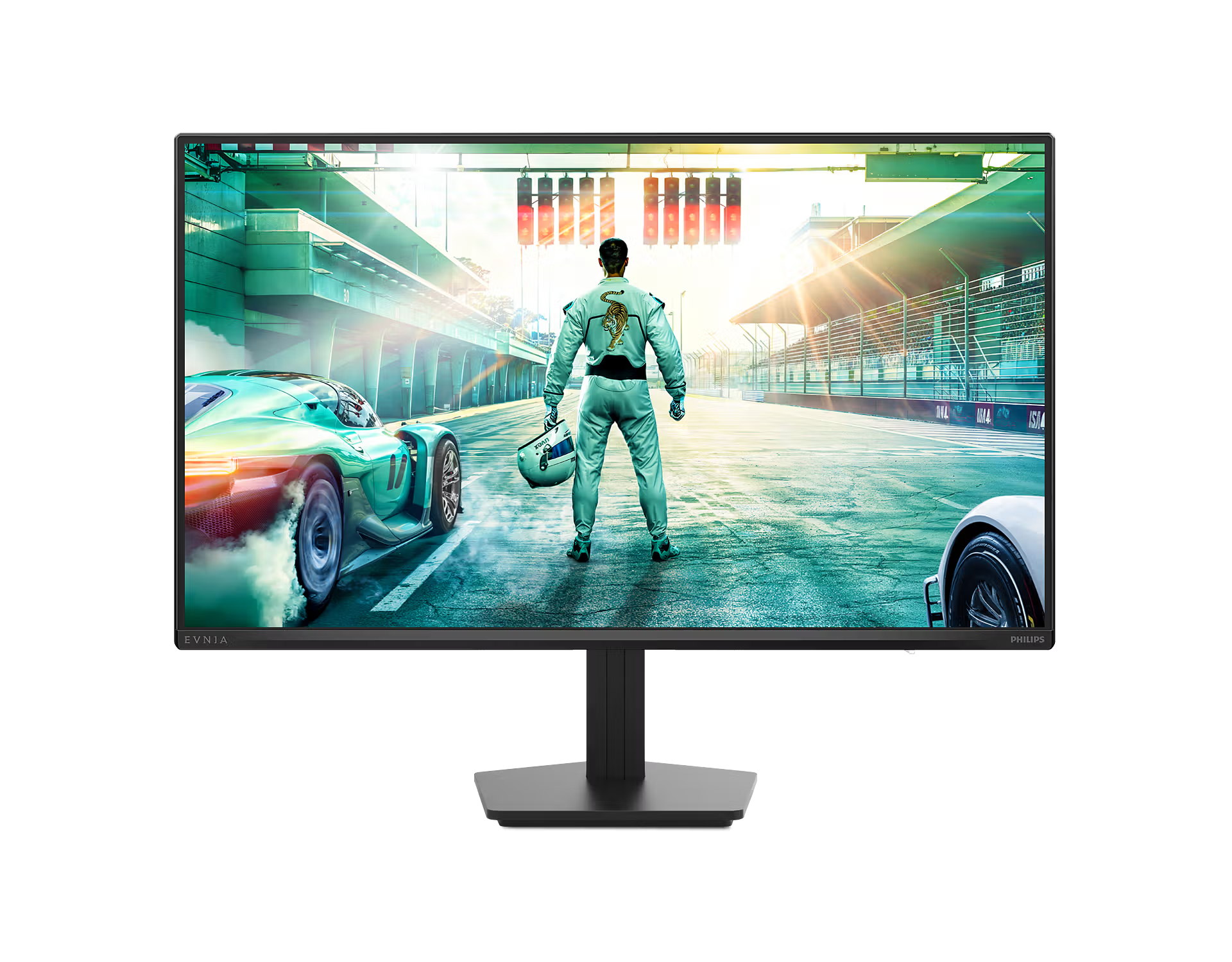
A comfortable PC gaming space depends on more than choosing a suitable display. Screen placement, seating posture, lighting, desk organization, and display settings all influence how easily players can maintain a consistent setup during everyday use. For gaming equipment distributors, retailers, and workspace planners, understanding these factors helps them recommend products that address practical user needs. They approach desktop monitor gaming as a combination of display selection and ergonomic planning, with the goal of creating an environment that supports comfortable, organized, and reliable daily use.
Start with Screen Position and Viewing Distance
The position of a monitor affects how players hold their heads, move their eyes, and interact with other equipment. A display placed too low may encourage prolonged downward head movement, while an unsuitable viewing distance can make on-screen details harder to inspect. They recommend adjusting the screen position to suit the user’s seated posture, desk dimensions, and visual preferences rather than following a single measurement for every setup.
When planning desktop monitor gaming, users should position the main viewing area approximately at eye level or slightly below it, then adjust the distance until the entire screen is easy to view without leaning forward. The monitor should also remain directly in front of the player for regular use. These adjustments can help reduce unnecessary neck movement and make the desk arrangement easier to maintain throughout a gaming session.
Choose a Display That Matches Everyday Gaming Needs
Display selection should begin with the types of games played and the capabilities supported by the computer. Competitive games may benefit from a higher refresh rate and responsive display behavior, while strategy games, simulations, and general entertainment may place greater emphasis on image clarity, readable interfaces, and overall versatility. They encourage buyers to compare specifications with their actual usage requirements instead of treating any single feature as the answer to every gaming need.
A practical desktop monitor gaming setup also requires attention to resolution, screen size, connectivity, and compatibility. The graphics hardware must be capable of supporting the chosen resolution and refresh rate, while available ports should match the computer and other devices. Players should check the manufacturer’s specifications before purchasing and configure the operating system and game settings to use the display’s supported capabilities. This approach helps prevent avoidable compatibility problems and supports more consistent everyday performance.
Manage Lighting to Reduce Visual Discomfort
Room lighting is an important part of display comfort. Strong light sources positioned behind the player may reflect across the screen, while a very bright monitor in a dark room can create an uncomfortable contrast. They suggest arranging ambient lighting so that the display remains easy to read without prominent reflections. Curtains, blinds, and adjustable room lights can help users adapt their environment to daylight changes and evening gaming.
For desktop monitor gaming, brightness should be adjusted according to the room rather than automatically set to its maximum level. Players can also experiment with color temperature and other available picture settings, provided these adjustments preserve visibility in their preferred games. No single brightness or color setting suits every room, so checking the screen under normal playing conditions is more useful than relying on a universal preset.
Organize the Desk Around Movement and Accessibility
A well-organized desk gives players enough room to use a keyboard, mouse, controller, headset, and other accessories without repeatedly shifting equipment. They recommend keeping frequently used items within easy reach and leaving sufficient space for natural arm movement. Cables should be routed away from working areas, while stands and accessories should be arranged to avoid obstructing the screen or taking up unnecessary desk space.
Good desktop monitor gaming organization also considers ventilation, cleaning, and equipment access. The monitor should rest on a stable surface or a properly installed compatible mount, with cables connected securely and airflow around electronic equipment kept unobstructed. Players who use multiple devices can label or group cables to simplify troubleshooting. These practical decisions make routine maintenance easier and help the workspace remain functional as equipment changes.
Build Sustainable Habits for Longer Sessions
Even a carefully arranged workstation benefits from regular adjustments and breaks. They encourage players to change position periodically, relax their shoulders, blink naturally, and look away from the screen at intervals. A supportive chair and a desk height that allows relaxed shoulders and comfortable arm positioning can complement a suitable monitor. Users should also adjust their seating and display placement when discomfort develops rather than assuming that they must adapt to an unsuitable arrangement.
For desktop monitor gaming, comfort should be evaluated over time, not only during the first few minutes of use. Players can review whether text remains readable, whether the screen requires frequent posture changes, and whether the keyboard and mouse remain easy to reach. Small adjustments to seating, lighting, or display settings may resolve everyday problems without requiring a complete equipment replacement.
Make Evnia Part of a Thoughtful Gaming Setup
They believe an effective gaming space begins with clear priorities: suitable display performance, sensible positioning, controlled lighting, and an organized desk. These elements work together, so buyers should assess the complete setup instead of focusing on monitor specifications in isolation. A well-chosen display can support the experience, but the surrounding environment determines how comfortably the equipment fits into daily routines.
Evnia offers gaming monitors for users seeking display options that align with their gaming and workspace requirements. They encourage buyers to review the official Evnia product specifications, compare supported features with their computer hardware, and select a model that suits their preferred games and available desk space. Explore Evnia gaming monitors to find a display that fits your setup, and take the next step toward a more comfortable and practical PC gaming environment.
